AI draft of the site
Describe the project and answer a few questions. Sitejet AI will prepare the structure, layout, initial texts and images.

WEBSITE CONSTRUCTOR AT CPANEL
Sitejet Builder will create the initial structure, design and content. You will edit the result in your browser and publish it to your domain via cPanel.
Only available for AiWebHost hosting accounts with cPanel.
A NEW CONSTRUCTOR INSTEAD OF THE OLD ONE
The old version of the AiWebHost builder is no longer used. It was replaced by the modern Sitejet Builder, integrated directly into cPanel.
Start with AI generation or a ready-made template, change the required blocks and publish the result without separately installing a CMS.
Tell us about your company, services and desired style of the future site.
Replace texts and photos, customize colors, sections, buttons and pages.
Check the result and host your site on your chosen domain directly from cPanel.
SITEJET BUILDER CAPABILITIES
To start, you do not need to manually install the CMS or transfer the finished files to the server.
Describe the project and answer a few questions. Sitejet AI will prepare the structure, layout, initial texts and images.
You can start with a ready-made design, use additional section templates or build a page from scratch.
Change sections, colors, fonts, buttons and images in the drag-and-drop editor without writing code manually.
Adjust the appearance of pages for computers, tablets and smartphones and check the result before publishing.
The site is linked to the domain and published to its root directory without uploading files separately via FTP.
The domain, SSL, mail, files, backups and site management remain in your AiWebHost cPanel account.
WHAT YOUR SITE CAN BE
Demonstration layouts show possible design directions. The specific result depends on the selected template, materials and your settings.
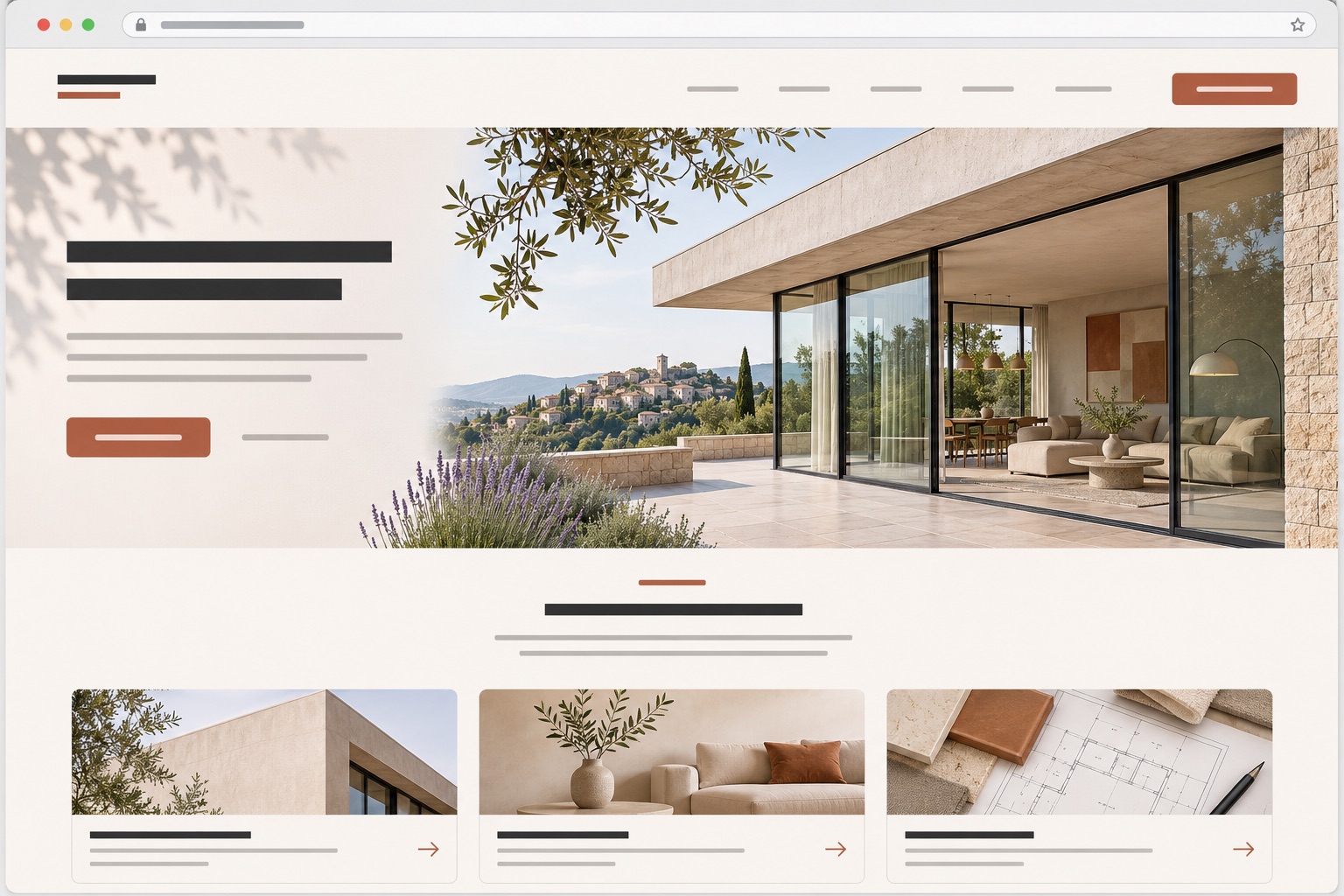
Services, cases, team and application form in a neat business presentation.

Clear presentation, menu, gallery and prominent call to booking.
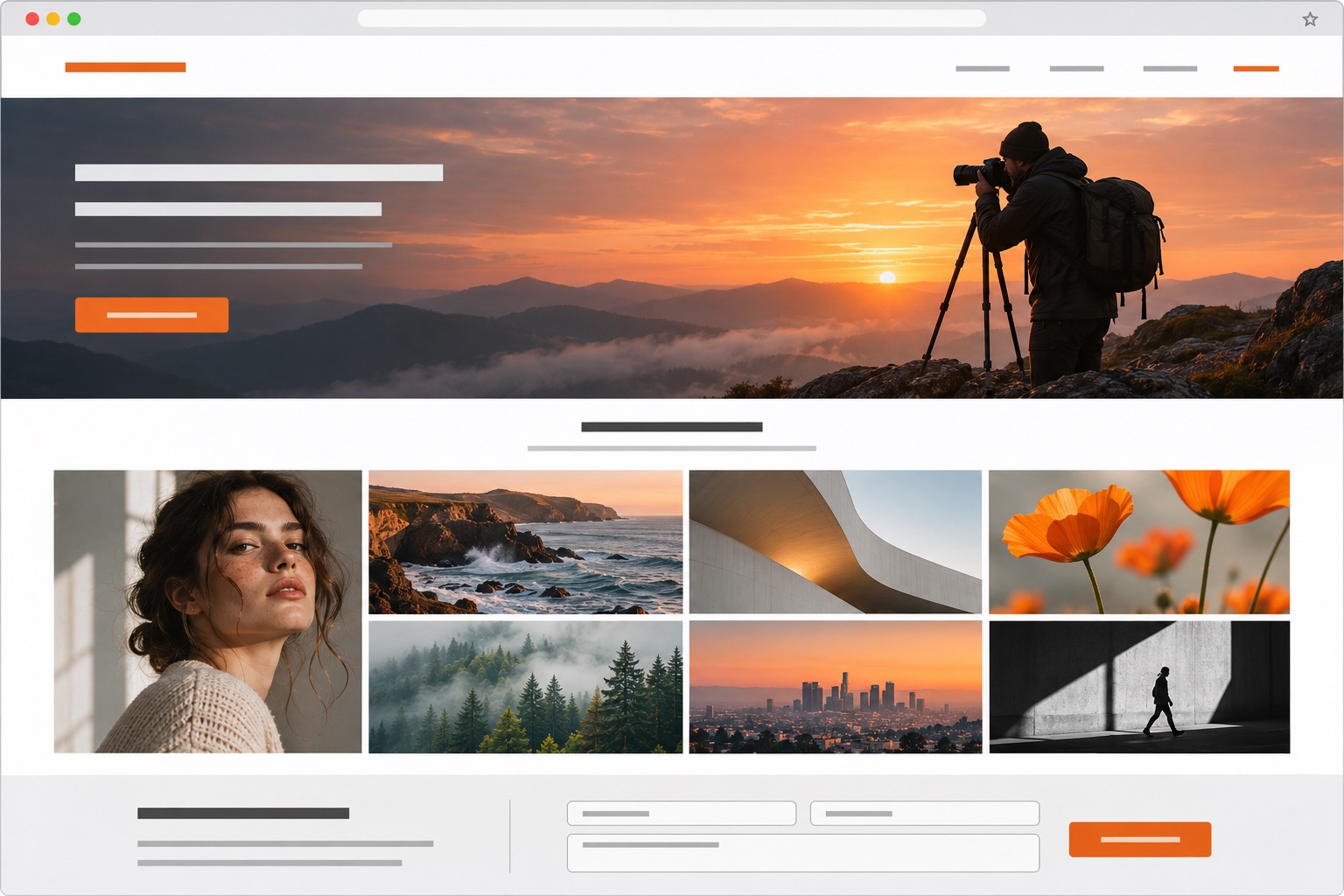
Large works, a short story about the author and a form for a new request.

IMPORTANT BEFORE ORDERING
Sitejet Builder does not work on plans with DirectAdmin. During the hosting registration, select the cPanel panel, and after activation, open the section Domains → Sitejet Builder.
JUST ABOUT THE CONSTRUCTOR
Not sure if Sitejet is right for your project? Describe the pre-order support task.
Ask for supportYes. The official AI Website Generator asks a few questions about the future site and creates an initial structure, design, texts and images. After generation, everything can be changed manually.
Sitejet Builder is available at no additional charge on compatible AiWebHost plans with cPanel. Be sure to select cPanel when ordering. Third-party extensions, including individual SEO or commerce features, may have their own terms and conditions.
No. Sitejet Builder is integrated directly with cPanel. For the plan with DirectAdmin, you can install a CMS or download a site created in another way.
Best for company website, landing page, portfolio, service presentation or small local business. For a complex store or project with non-standard logic, it is better to evaluate WordPress or another CMS separately.
Yes. Open Sitejet Builder in cPanel, edit the desired pages and publish the update. Before publishing, you can view an interactive preview of the result.
Sitejet publishing can replace files in the domain root. Make an independent backup before you begin. If cPanel offers a restore point, create it before the first publish.
After activation, open Sitejet Builder and create the first version of the site.